
Landing pages for the AI era
Create, optimize, and convert more users by giving AI the tools and insights needed
Ask for it. Publish it. Change it by asking again.
Connect once
Add BroadSite to Claude, ChatGPT, Cursor, or any MCP-compatible AI assistant in about two minutes. After that, it is available whenever you need it.
Ask for the page
Describe the page you need using the business context already in your conversation.
"Create a waitlist page for my contractor-pricing app. Collect name, email, company size, and the software they use today."
Publish live
Your page publishes to a hosted BroadSite URL with forms, search metadata, and social previews included.
▮ STATUS: LIVE
Your idea.
One page.
Live▮
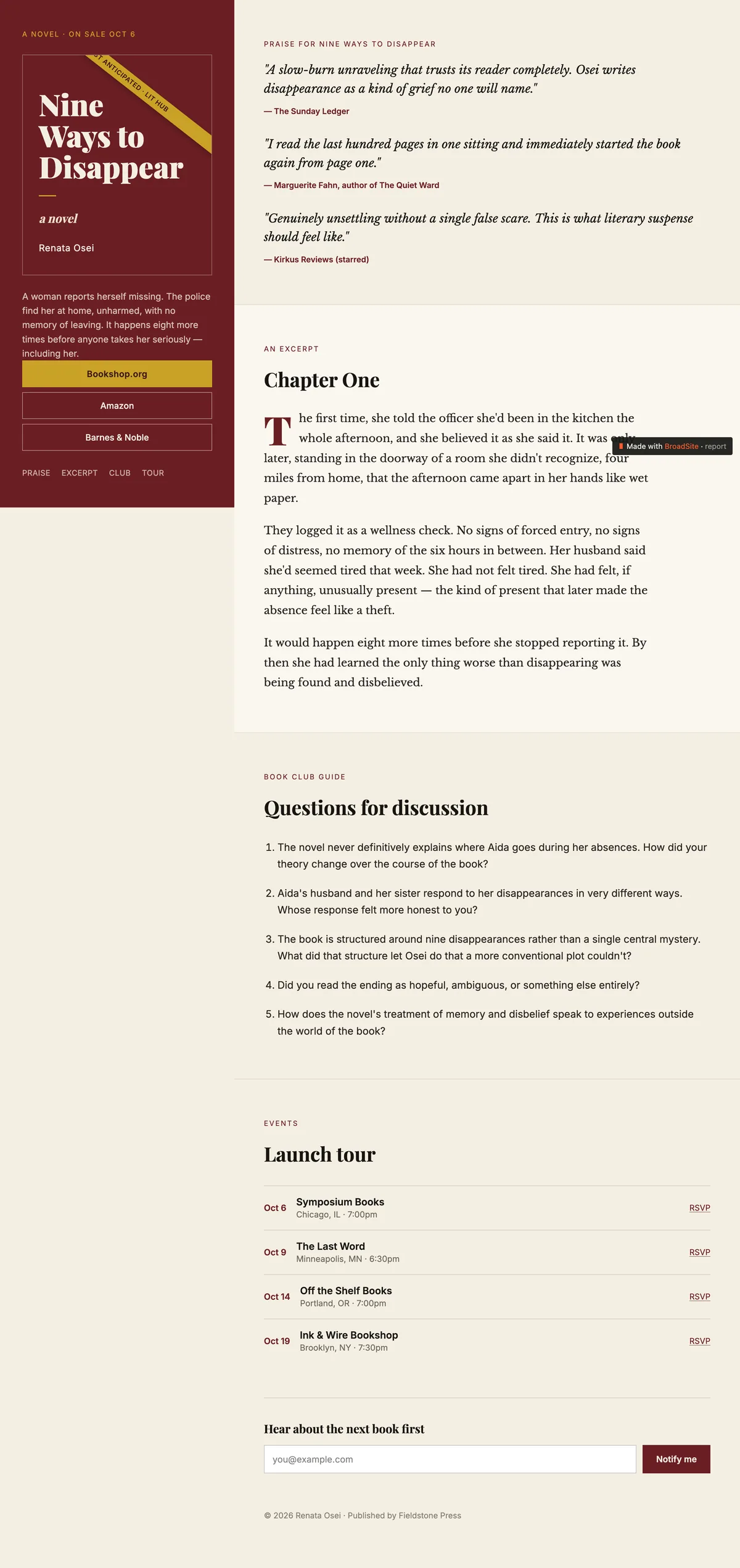
Built and published from Claude, ChatGPT, and more.
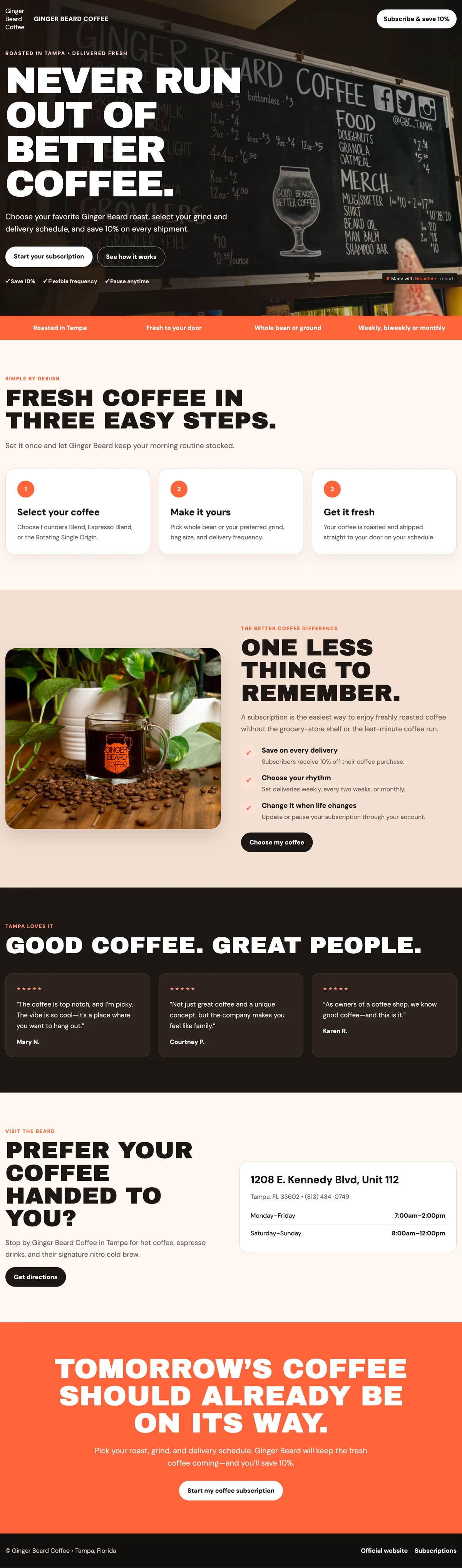
Ginger Beard Coffee
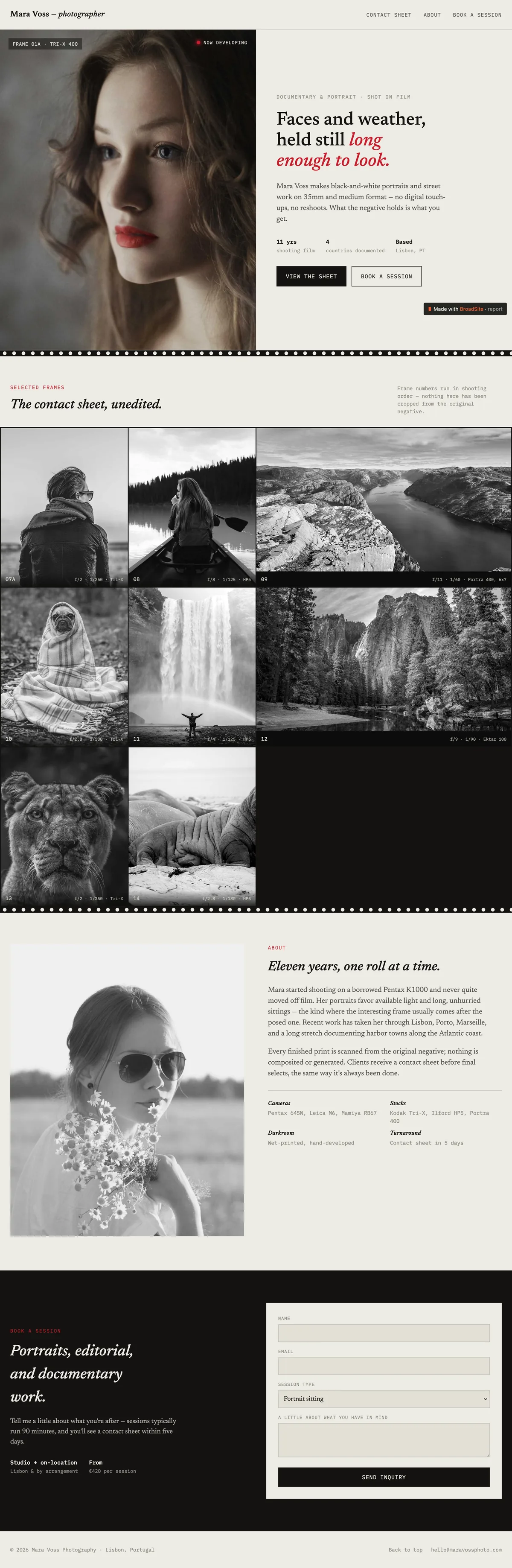
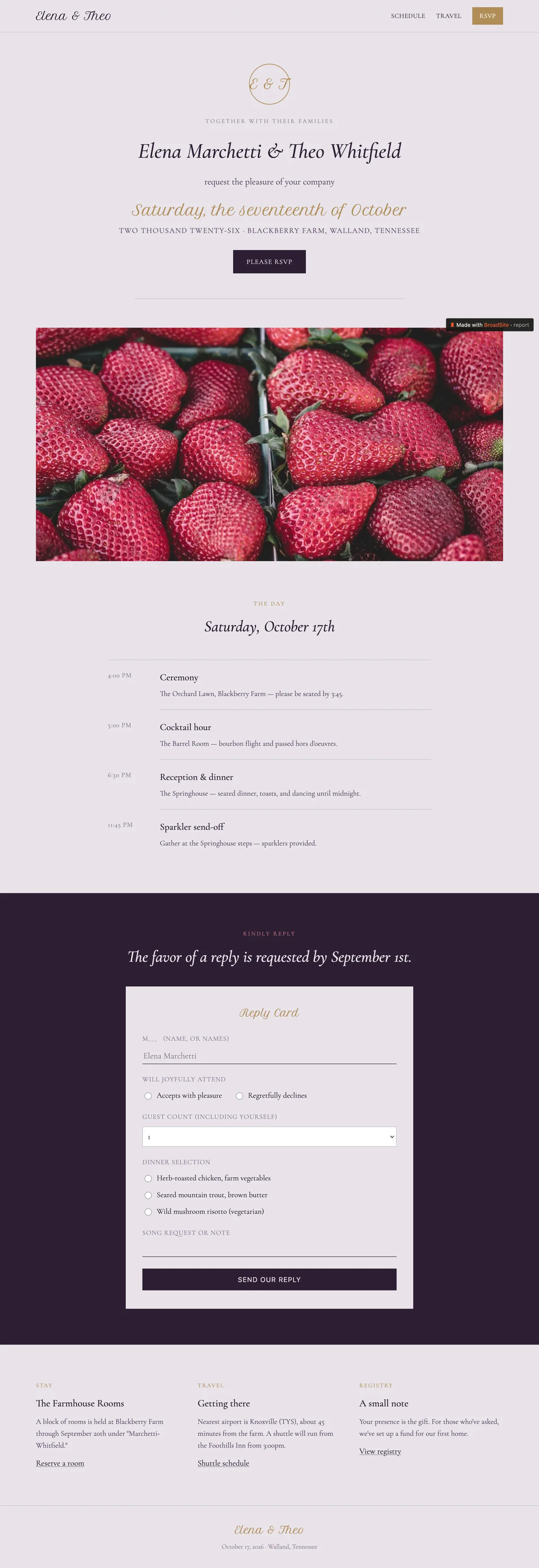
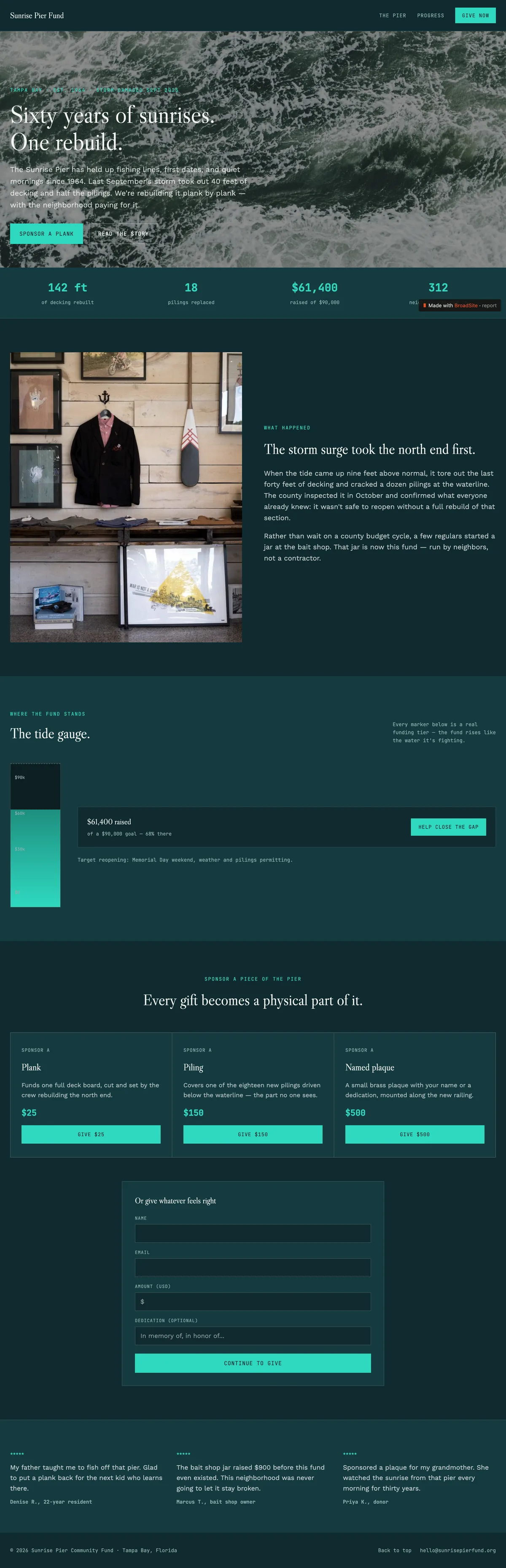
Turn the work already in your AI conversation into a live page.
Your AI already has the context. BroadSite gives it a publish button.
CORE BENEFITS
Two plans. Upgrade when you need more pages, leads, and measurement.
Cancel anytime, managed in-app. Compare all features →
FREQUENTLY ASKED QUESTIONS
Do I need a paid Claude or ChatGPT plan?
BroadSite works with Claude (web and Desktop — free Claude plans include one custom connector) and ChatGPT (paid plans with Developer Mode). It also works with Cursor and any other AI assistant that supports MCP connectors.
What can BroadSite access?
Only what your AI sends it through tool calls when you ask for a page — it cannot read unrelated conversations.
Do I preview a page before it goes live?
Pages publish immediately when you ask your AI to publish. You always see the result at its live URL, and you can unpublish or delete a page anytime.
Can I edit a page after it is live?
Yes. Ask your AI for another change anytime — edits publish immediately to the same URL.
Where do form submissions go?
They land in your BroadSite dashboard and can be exported to CSV anytime.
What happens when I hit my page limit?
Nothing breaks. Your AI tells you in chat, and you can upgrade or delete a page to make room.
What happens if I downgrade or cancel?
Nothing is deleted. Your most recently edited pages (up to your new limit) stay live and editable — the rest go offline but stay in your dashboard and come right back if you upgrade.
Can I export my page as HTML?
Yes — ask your AI for the page's HTML anytime.
Can I use a custom domain?
Not yet — it's on the roadmap. Today, pages live at yourname.broadsite.page.